Will Graham Clock Widget
Publisher Description
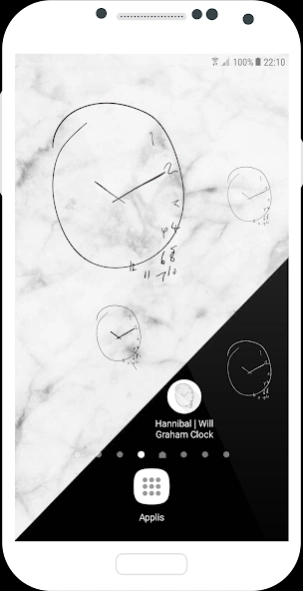
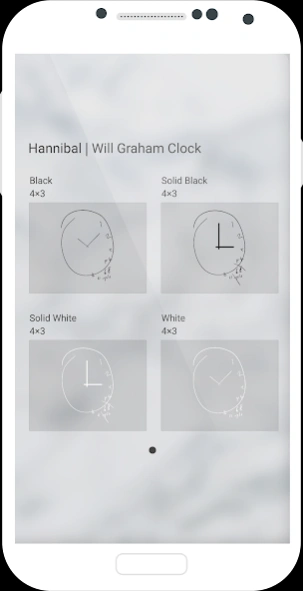
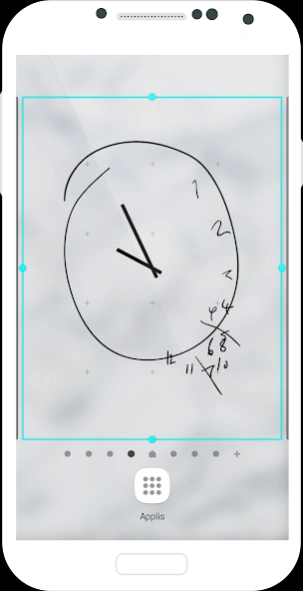
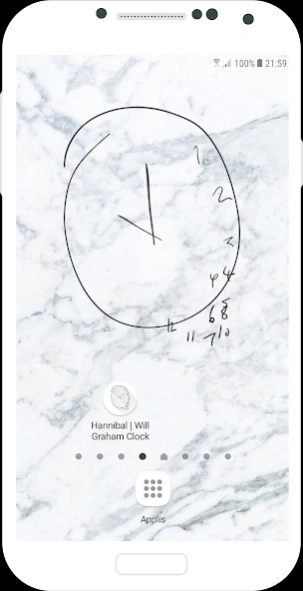
Analogue clock widget based on the clocks drawn by Will Graham in NBC's Hannibal
A simple, white or black, analogue clock widget based on the clocks drawn by NBC's Hannibal character, Will Graham.
About Will Graham Clock Widget
The company that develops Will Graham Clock Widget is Candice Louw. The latest version released by its developer is 1.0 .
To install Will Graham Clock Widget on your Android device, just click the green Continue To App button above to start the installation process. The app is listed on our website since 2025-01-07 and was downloaded 57 times. We have already checked if the download link is safe, however for your own protection we recommend that you scan the downloaded app with your antivirus. Your antivirus may detect the Will Graham Clock Widget as malware as malware if the download link to com.graham.hannibalclock is broken.
How to install Will Graham Clock Widget on your Android device:
- Click on the Continue To App button on our website. This will redirect you to Google Play.
- Once the Will Graham Clock Widget is shown in the Google Play listing of your Android device, you can start its download and installation. Tap on the Install button located below the search bar and to the right of the app icon.
- A pop-up window with the permissions required by Will Graham Clock Widget will be shown. Click on Accept to continue the process.
- Will Graham Clock Widget will be downloaded onto your device, displaying a progress. Once the download completes, the installation will start and you'll get a notification after the installation is finished.
Program Details
System requirements
Download information
Pricing
Version History
version
posted on 2025-01-07
Update of prescribed platform security requirements.
version
posted on 2020-06-01
+ Addition of 2 new clock faces with all elements as drawn by Will Graham.
+ Support for new devices (bug fixes).
version 1.2
posted on 2014-09-15
Modification:,The default size of the clock has been set to 4x3 for users that run Android versions prior to 3.1 where resizing of widgets is not supported - this presents you with a bigger clock that you can also use.,For users running Android versions 3.1 and higher: you are still able to resize the clock to make it smaller or bigger as you desire - the default size is just bigger :),Addition:,More devices supported for launching the clock/alarm functionality by clicking on the clock face.
